 SokuPhoto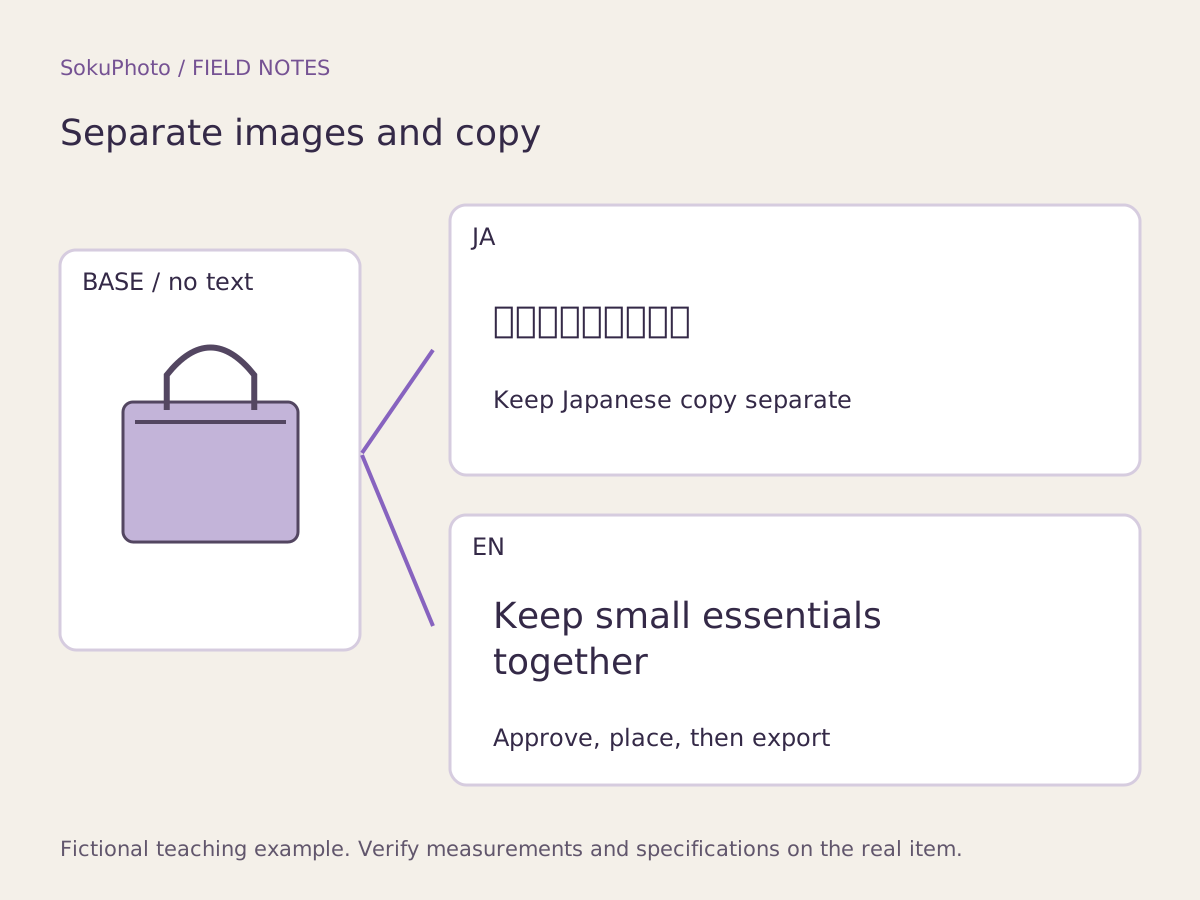
Distinguish three types of text
Create an English version of promotional copy added over a photo. Labels on the product itself, however, represent what the buyer will receive, so do not replace them with fictional English labels in the photo alone. Product-page text and buttons belong to the store's language settings and require a separate task from image editing.
Shopify's language and translation features also need to be configured in the actual store. Those settings do not automatically turn text flattened into an image into correct English. SokuPhoto cannot automatically restore flattened text to editable layers either.
Use a three-row Japanese–English copy table to preserve the facts
This is an original translation draft for a fictional storage pouch, not an example of verified product specifications. Before publication, the product owner and someone qualified to check the English should review both the meaning and the facts. If you change numbers or units, also record the basis for the conversion.
| Original Japanese meaning | English draft | Units / verification source | Approver |
|---|---|---|---|
| 小物をひとまとめに | Keep small essentials together | Check the actual items that fit inside | Product owner + English reviewer / not approved |
| ファスナー付き | Zip closure | Photo of the actual opening and closure | Product owner + English reviewer / not approved |
| 小物は付属しません | Accessories not included | List of items included in the sale | Product owner + English reviewer / not approved |
Set line breaks from the actual layout, not character counts
A single line of Japanese does not mean the English will fit the same width. For “Keep small essentials together,” for example, consider two lines: “Keep small essentials” and “together,” with the break at a meaningful boundary. Do not split a word, and keep disclaimers large enough to read on a phone.
Manually add the approved copy and check that it does not cover the product photo or its labels. If Japanese text needs to be removed from an image, first return to the text-free original. If the text cannot be removed, consider remaking the asset instead of hiding the product behind a large banner.
Check language-specific files against the store settings
For example, use pouch01_base_v1.png for the text-free original, pouch01_ja_detail_v2.png for the Japanese version, and pouch01_en_detail_v2.png for the English version. Even if both files are v2, keep unapproved and published versions distinct and record approval status in the worksheet. Hand over the original photo, copy table, and exported files together.
After uploading the files to the store, switch languages in the live storefront and check for Japanese images left on English pages. SokuPhoto provides image creation; it does not guarantee Shopify translation, automatic OCR-based text replacement, or synchronization of images by language.
- Approve the Japanese and English copy without changing the facts.
- Create each language version from the text-free original image.
- Check product labels, line breaks, and disclaimers, then export.
- Check the display and link destinations in both languages in the actual store.
Before you publish
- Promotional copy, actual product labels, and webpage text are treated separately.
- The English draft has not been labeled approved without review.
- The original image and JP/EN files are kept separate.
- The store's display has been checked in each language.
Sources & editorial notes
Original workflows, examples and diagrams by SokuPhoto. Fictional examples are not customer results. Verify the actual product and destination requirements before publishing. Sources reviewed: 2026-09-17.