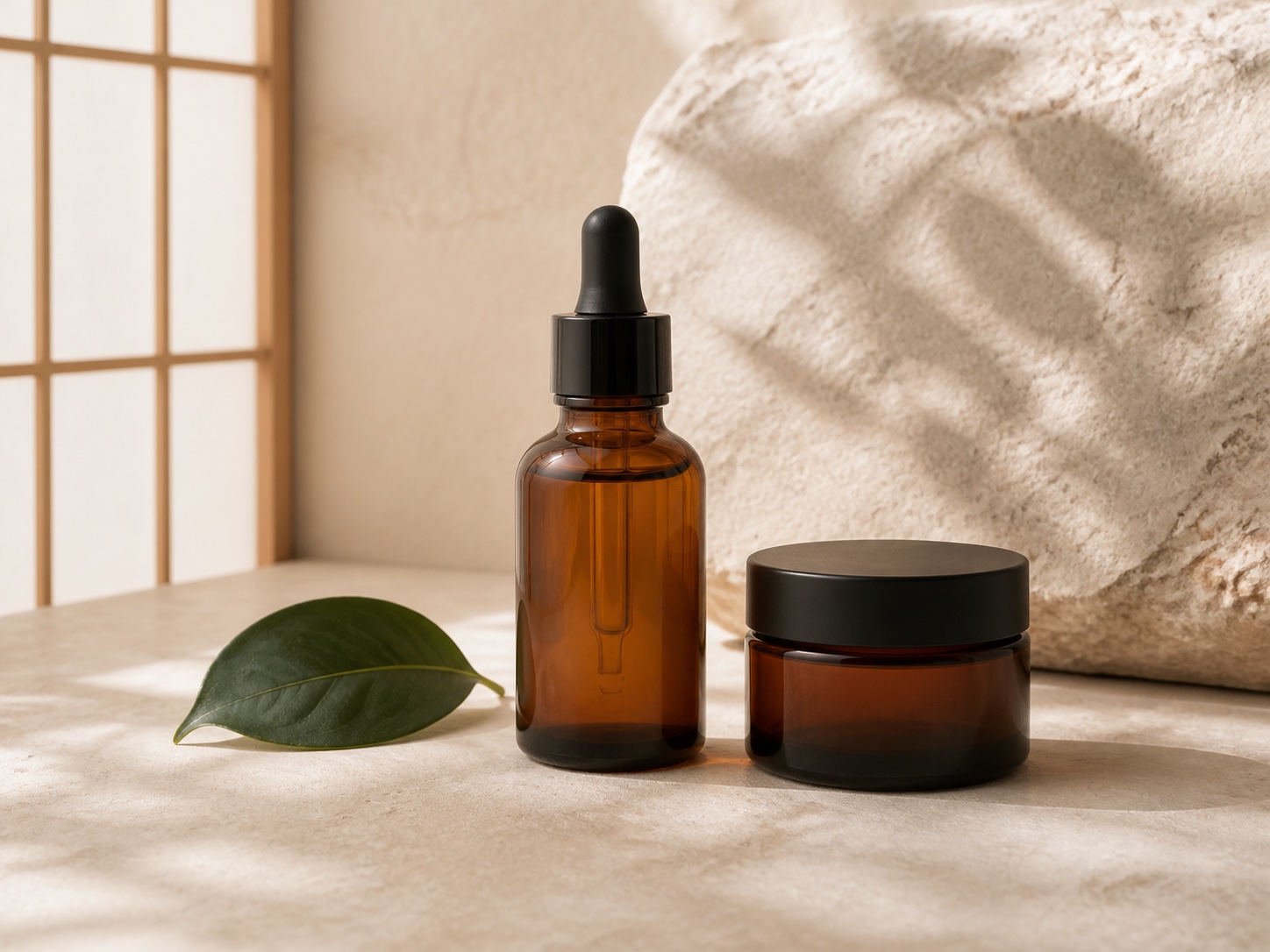
Phone photography01
Product photos with a phone: a free window-light setup
Make a repeatable product-photo setup with a phone, a window and paper. Includes a three-shot plan and fixes for dark labels, color casts and blur.
Read the guide ↗ SokuPhoto
Free methods, prompt examples and practical checks for independent sellers: phone photography, product details, text layouts and ecommerce exports.
Make a repeatable product-photo setup with a phone, a window and paper. Includes a three-shot plan and fixes for dark labels, color casts and blur.
Read the guide ↗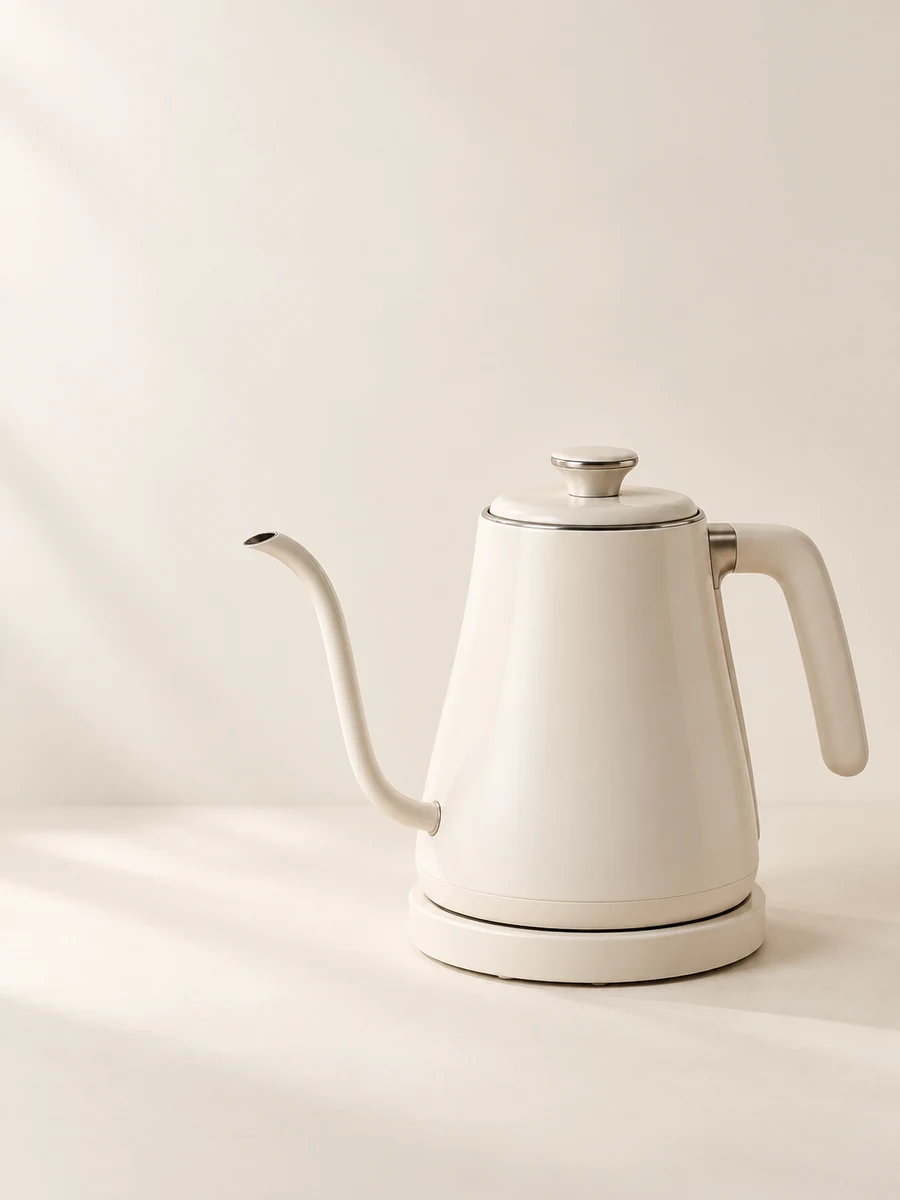
Photograph white packaging without losing its outline. A free troubleshooting workflow for clipped highlights, weak edges and over-edited shadows.
Read the guide ↗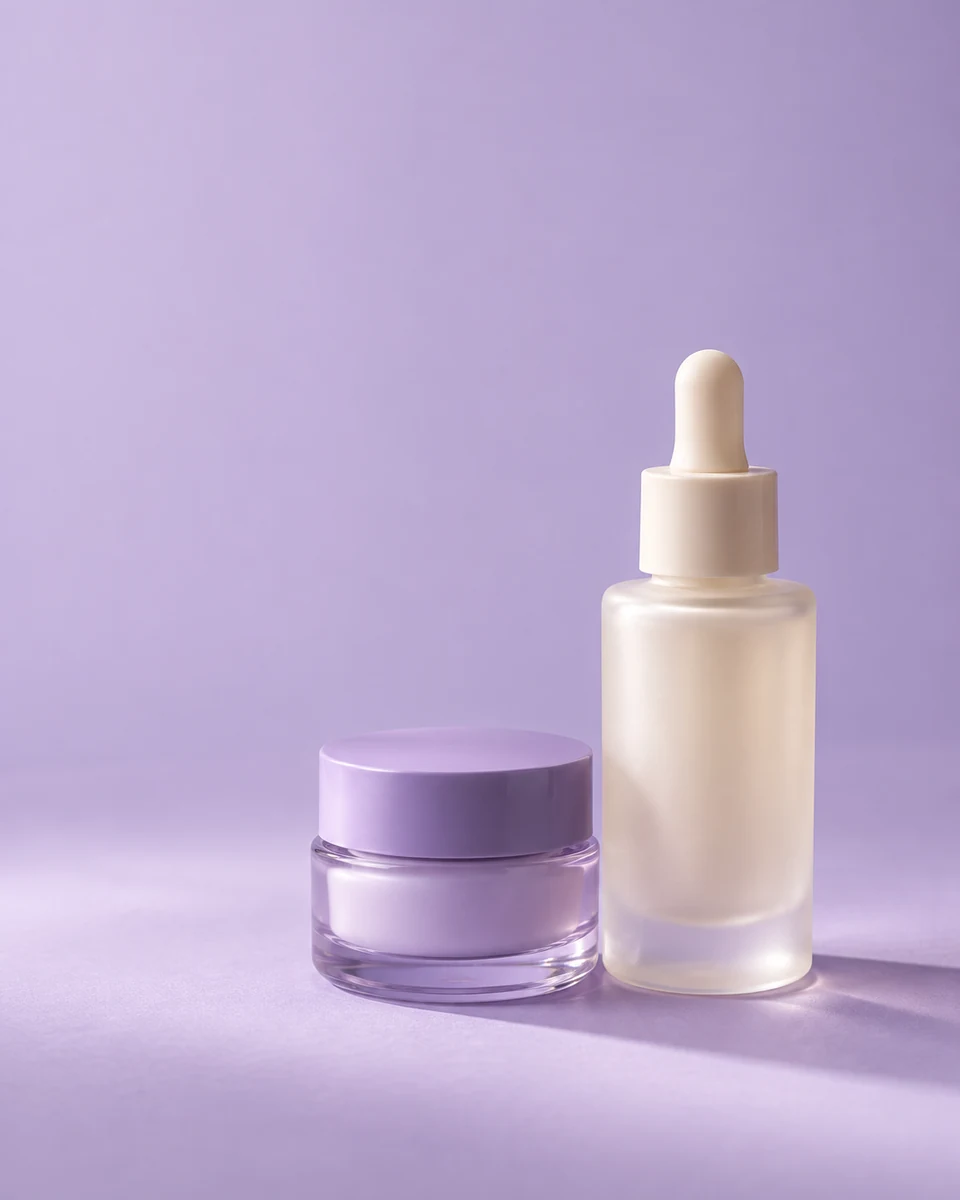
Three copyable skincare scene prompts, a reference-photo checklist and a label review method. No promise that AI can preserve packaging perfectly.
Read the guide ↗
A no-new-gear reflection test for jewelry sellers. Separate glare, camera reflections and focus problems before editing metal or gemstone details.
Read the guide ↗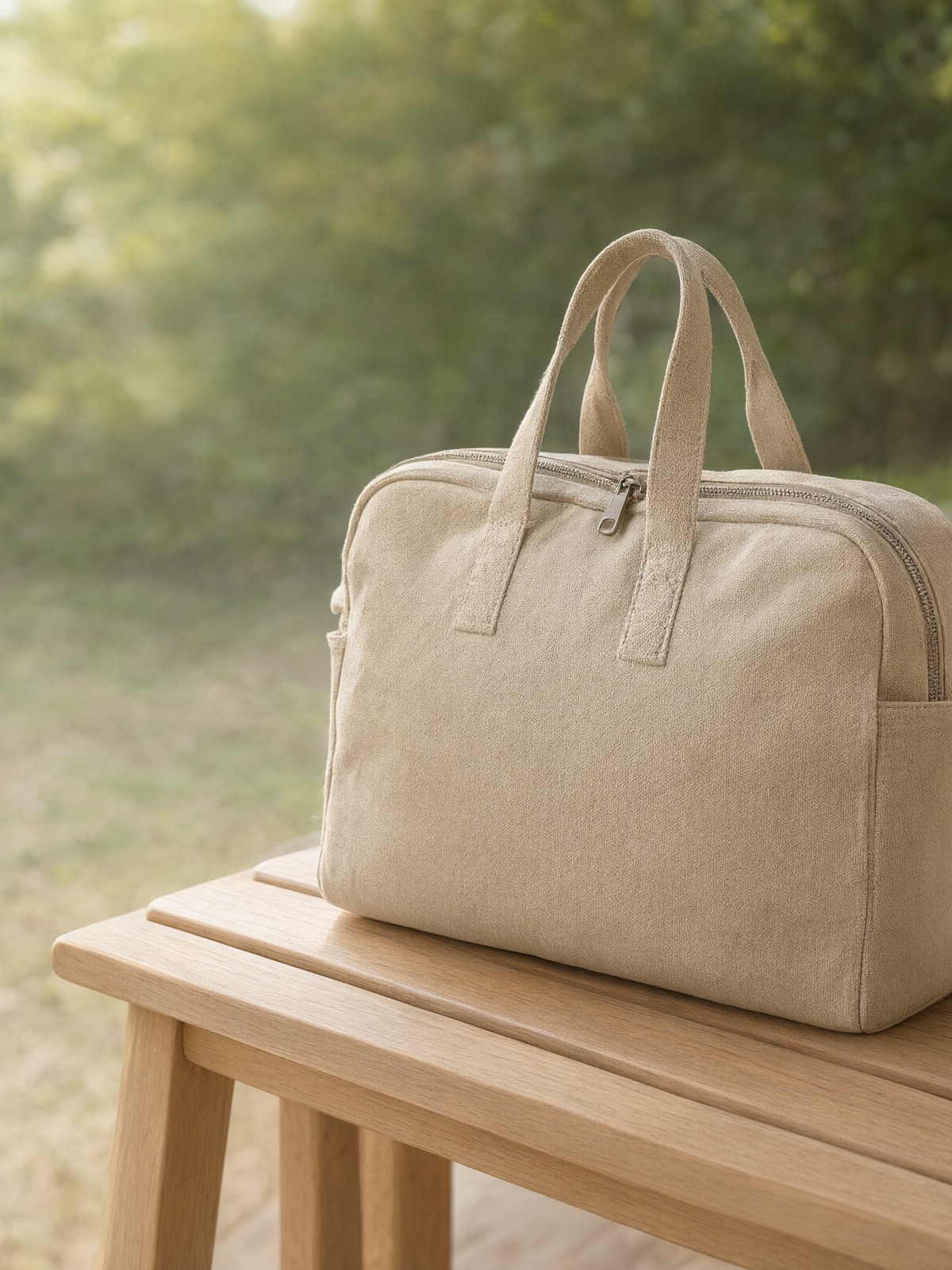
Plan clear flat-lay clothing photos using your phone and an existing surface. Show the whole garment, construction and condition without fake fit edits.
Read the guide ↗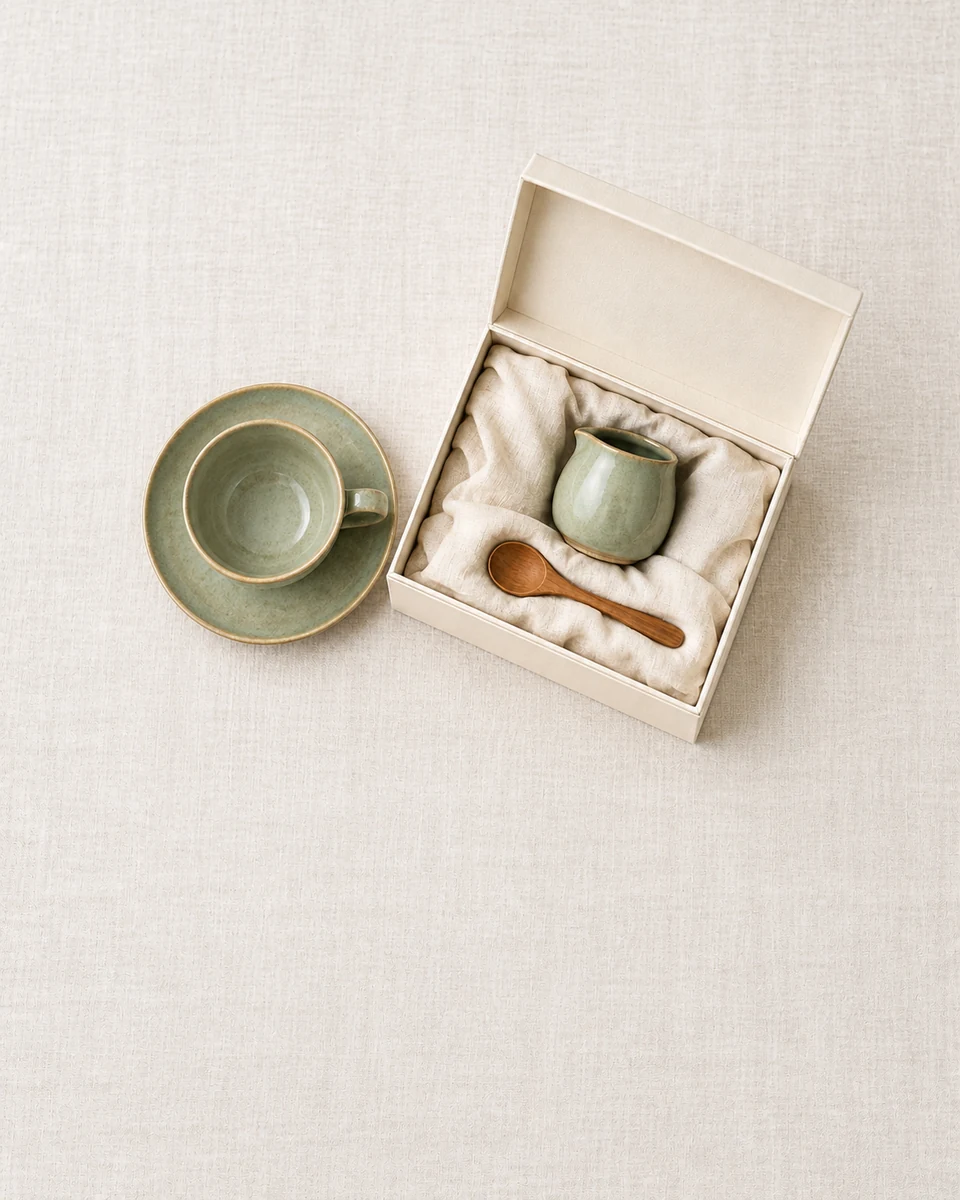
Build a clear bundle photo with a countable layout, an included-items checklist and separate props. A free planning method for gift sets and multipacks.
Read the guide ↗
Diagnose a cropped product card without buying another image app. Separate source-image damage, aspect-ratio mismatch and theme display settings.
Read the guide ↗
A simple free planning method for a readable sale graphic: one price, one condition and a mobile-size check. Includes a copy worksheet and export checks.
Read the guide ↗
Choose an export for product photography or text-heavy graphics. Compare dimensions, readable detail and file size without assuming one format always wins.
Read the guide ↗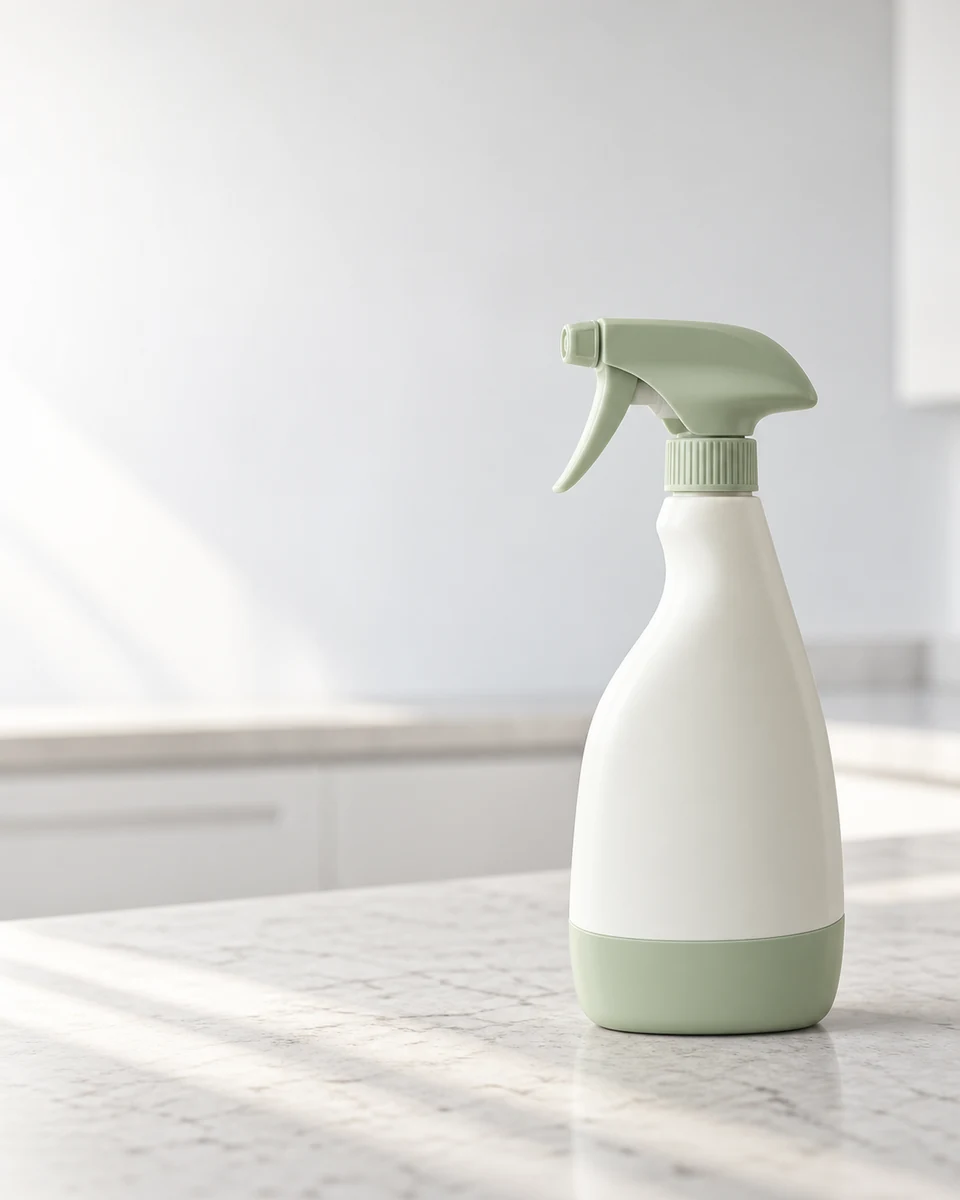
Review an AI product image against a real reference: shape, label, quantity, color and physical details. Includes pass, review and reject decisions.
Read the guide ↗