 SokuPhoto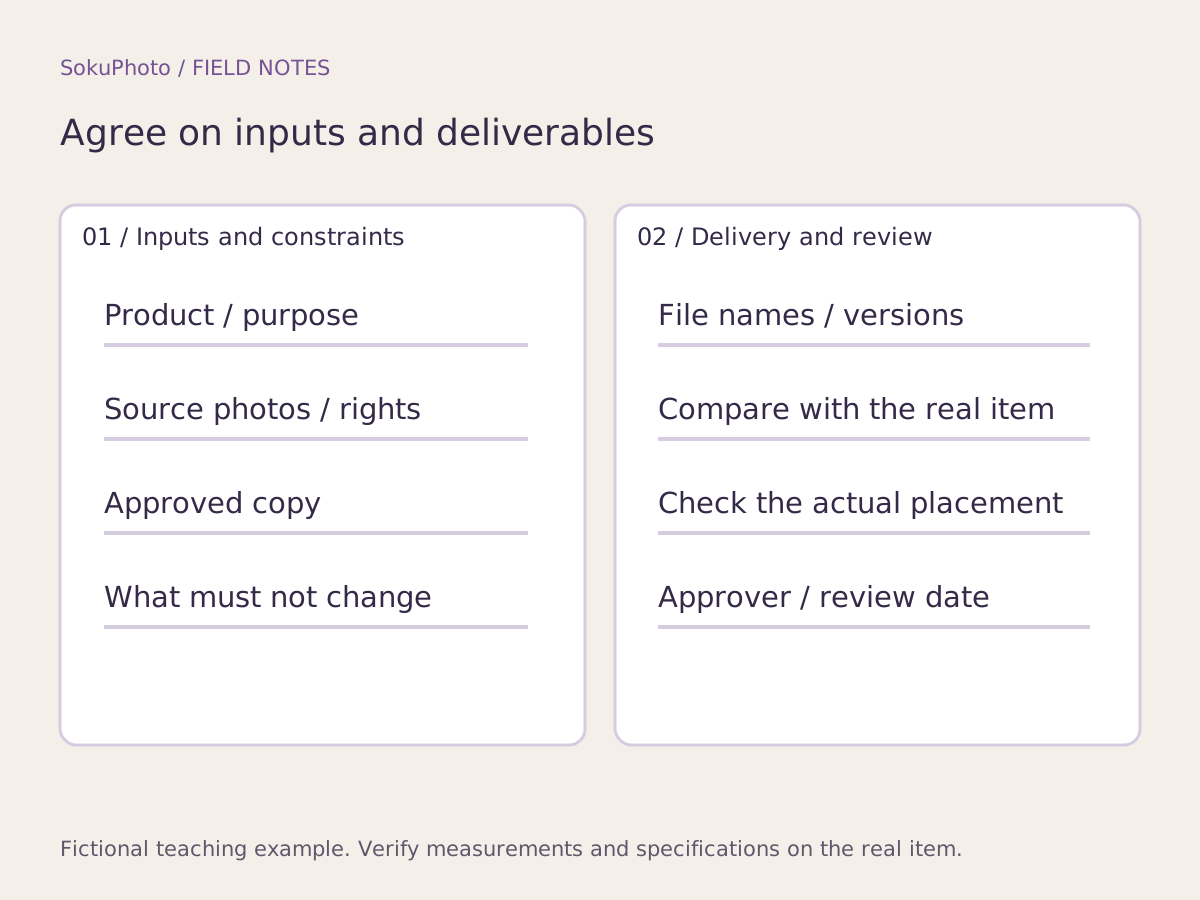
Define one clear deliverable
Start by distinguishing the deliverables: one main image or three explanatory images, for example. Planning the order of the entire gallery and handing assets to the person making the images are separate tasks. If each image's role is still undecided, create a storyboard first and copy its image numbers into the brief.
Set the aspect ratio and pixel dimensions to match the intended placement. The 1000×1000px specification below is for a fictional explanatory-image slot in an independent store; it is not a recommendation for every sales channel. If the requirements are unclear, mark them unknown pending confirmation.
Page 1: A filled example of assets and constraints
This filled example uses the fictional storage pouch P-01. It is not a real client project or a record of delivered work. Verify the rights to use the source photos, and do not reuse someone else's product photos as reference assets without permission. Keep product specification documents separate from image-editing requests in the brief.
| Field | Example entry |
|---|---|
| Product / image purpose | P-01 / one explanatory image showing the opening |
| Audience / question | Someone looking for a small-item pouch / how it opens |
| Placement / output | Explanatory-image slot in our own store / illustrative specification: 1000×1000px, PNG |
| Assets / usage rights | P01_front_raw.jpg, P01_zip_raw.jpg / assumed to be photographed in-house for this example |
| Approved copy / verification source | Zip closure / use only after the product owner checks the opening and closure |
| Changes allowed | Background, spacing, and placement of verified copy |
| Changes prohibited / reason | Color, shape, labels, fasteners, and item count / to accurately show what the buyer receives |
| Deadline / owner / unknowns | Enter the date and owner before publication / material composition is unknown; do not state it |
Page 2: Agree on delivery and review requirements
The designer finishing the work is not the same as the product owner approving it for publication. Compare the original image with the final image to check that the product has not changed, the text matches the finalized copy, and the text is readable in its intended placement. Publish only after those checks. If reusing the image for Google, check its image requirements separately.
Reference: Google Merchant Center: Image link requirements ↗
| Delivery item | Example entry |
|---|---|
| File name | P01_detail_ja_v1.png; use v2 for the revised version |
| Materials to hand over | Original photos, finalized copy, final image, and a list of unresolved items |
| Product check | The product owner compares color, shape, zipper, and item count with the original photos |
| Display check | The person uploading the image checks the actual explanatory-image slot on a phone |
| Approval status | Not approved → changes required / approved. Record the review date and reviewer |
| Revision requests | Specify the image number, location, factual mismatch, and correct reference material |
Copy and share the blank brief
The blank version uses the same fields as the filled example. Do not guess to fill a gap: write unknown and name the person responsible for checking it. Approval criteria should go beyond requests such as stylish, natural, or high quality. State what must remain the same and what can change.
You can use this table for image production in SokuPhoto, but it does not automatically create an approval workflow, store synchronization, or an asset management system. Provide references the designer can verify, and compare AI-generated candidates with the real product before deciding which to use.
[Page 1: Inputs]
Product / image purpose:
Audience / question:
Placement / output:
Assets / usage rights:
Approved copy / verification source:
Changes allowed:
Changes prohibited / reason:
Deadline / owner / unknowns:

[Page 2: Delivery review]
File name:
Materials to hand over:
Product check:
Display check:
Approval status:
Revision requests:
Before you publish
- Asset usage rights and sources for verifying specifications are clear.
- Prohibited changes are justified by the need to represent the actual product.
- File names for inputs and deliverables are defined.
- Unknowns remain documented, and an approver is named.
Sources & editorial notes
Original workflows, examples and diagrams by SokuPhoto. Fictional examples are not customer results. Verify the actual product and destination requirements before publishing. Sources reviewed: 2026-09-17.